Bouldering · App comparisons
FlashV10 vs TopLogger: Video Journal or Gym Ticklist?
After a session, you might want to remember which problems you climbed. Or you might want to watch the move where your left foot came off. Both are useful. TopLogger and FlashV10 start with different questions, rather than competing to make the same log.
By Antonin Borgnon ·
Written by FlashV10’s creator. This is our perspective, not an independent review. Features can change.
The short answer
Choose TopLogger if your gym uses it and you want to find and log its problems, follow your climbing statistics or join gym competitions. Choose FlashV10 if you want a simple personal video journal for attempts, movement review and session notes without matching each video to an official gym route. You can use both.
FlashV10 vs TopLogger at a glance
| What matters | FlashV10 | TopLogger |
|---|---|---|
| Main purpose | Personal bouldering video and session journal | Gym climb discovery, logging and progress tracking |
| How you log | Record or import; choose grade and status | Find a problem in your gym’s climbing content and log it |
| Gym maps | No gym map or route catalogue | Gym maps and climb information where supported |
| Reviewing progress | Watch attempts; keep captions and session notes | Logged climbs, statistics and gym challenges |
| Video and beta | Trim, reframe, 0.5× playback and frame stepping | Setter beta and climber-uploaded solution videos |
| When the wall changes | Saved videos remain in your dated local journal | The gym maintains its current climbing content |
What is TopLogger best at?
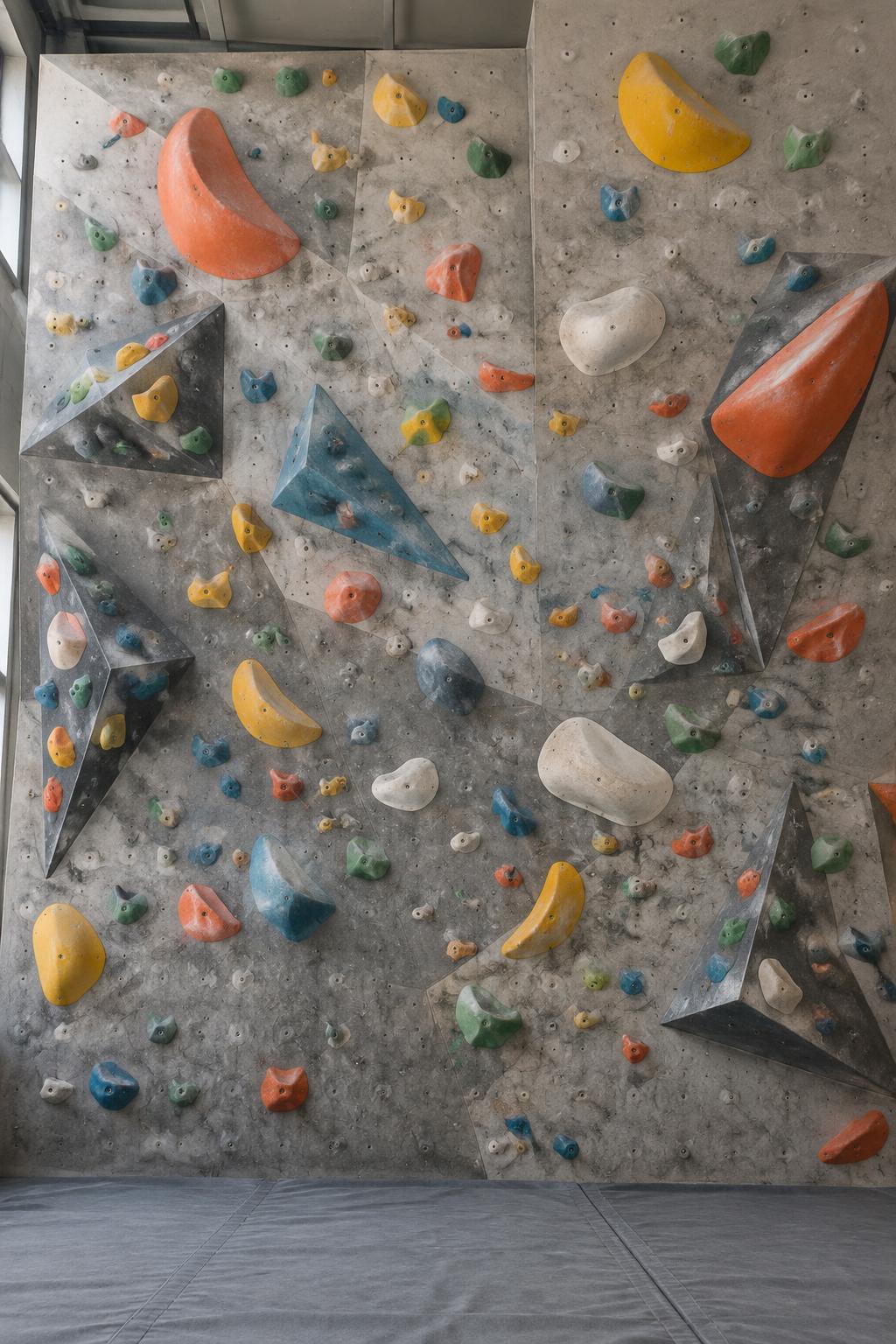
TopLogger is a gym-connected climbing log. It helps climbers find problems, record ascents and follow their climbing progress using the information a participating gym maintains. It also supports setter beta and climber-uploaded solution videos; video is not exclusive to FlashV10.
If you enjoy exploring a set, ticking off a circuit or taking part in a competition, that connection to the actual wall is useful. Statistics and rankings can be motivating; they are not automatically a distraction. Check whether your gym uses TopLogger and which features it makes available.
- Choose TopLogger if you want a digital record of the gym problems you climbed.
- Choose TopLogger if gym maps help you find your next problem.
- Choose TopLogger if you enjoy statistics, challenges or competitions.
Why use FlashV10 for a bouldering journal?
FlashV10 keeps your own footage together with your sessions. You do not need to find the problem on a map, give it a name or select a hold colour. Record or import the attempt, choose its grade and Flash, Sent or Project, then save.
The journal is about what you want to remember. A failed try, a send you are proud of, a note about your foot placement, or simply how the session felt. You do not need to film every problem or turn every session into a complete scorecard.
- Choose FlashV10 if you want to see your own movement, not just count ascents.
- Choose FlashV10 if you move between gyms and do not need a mapped circuit.
- Choose FlashV10 if optional notes and videos are enough for your personal log.
Is ticking a problem the same as reviewing technique?
A tick tells you what you completed. A video lets you look at how you moved. These answer different questions. A grade history can show a trend; it does not by itself show whether you shifted your hips before reaching.
In FlashV10, watch the attempt at normal speed first. Pause or slow down one movement. Did the foot move before your hand? Did your hips stay low? Choose something concrete to try rather than treating the video as a score.
What happens to my journal when the gym resets the wall?
FlashV10 stores saved climbs by your session date, not by an active gym circuit. A wall reset does not remove your saved video. The thumbnail, optional caption and session place can help you remember a problem after the holds are gone.
That does not make local storage permanent. Your journal still depends on this device and its browser data. Keep a manual backup; a new login on another phone will not restore recordings automatically. For TopLogger’s reset and historical-log behaviour, check the app and your gym rather than assuming a reset deletes your climbing history.
Can I use TopLogger and FlashV10 together?
Yes. Log an ascent in TopLogger when you want it connected to the gym’s set. Keep selected videos in FlashV10 when you want to remember the movement or review a project later. There is no automatic connection between the apps.
Sharing a milestone is optional in FlashV10, not the reason for keeping the journal. Prepared exports are separate copies; your original video stays untouched.
Common questions
Does FlashV10 require my gym to use TopLogger?
No. FlashV10 is independent of gym maps and partnerships. Its current grade selector runs from V0 through V10.
Why does FlashV10 not ask for hold colours or problem names?
The recording flow stays short. A video, date, grade and optional caption can identify an attempt without another required entry step.
Does FlashV10 work completely offline?
Recordings and notes are device-local, but that is not a guarantee of offline app access. Loading the app and signing in can require a connection; FlashV10 does not provide a fully offline installation.
Does FlashV10 automatically upload my videos?
No. New recordings remain on this device. Export a manual backup to move or protect your journal, and choose explicitly when to share a video.