Bouldering · Filming & beta
How to film at the bouldering gym: see your moves, not a movie
You don’t need to do cinema. Usually, you just want to see yourself climb—and understand what to change on the next try.
By Antonin Borgnon ·
The short answer
To film indoor bouldering, use your phone’s rear camera from one stable angle, far enough back to show your whole body, the starting footholds and the finish. Keep the phone and its support outside every landing area and walkway, and follow your gym’s filming rules. Record one attempt, watch it back, then choose one movement to improve.
Why film your bouldering attempts?
Because what you feel on the wall isn’t always what happened. You think you pushed through your foot. On the video, your foot comes off before you move. You think the hold is too far away. Actually, your hips stayed low.
That’s the useful bit. Not a beautiful edit. Not filming every single climb. Just seeing something you couldn’t see while climbing.
And film the failed attempts too. A send is nice to keep, but the try where you fall can tell you what to work on.
Where should you put the camera?
Start with a front view or a slightly diagonal view. Choose the side where your feet and hips are visible, rather than hidden behind a volume. Step back enough to keep the entire attempt in frame—from the start to the finish.
Before climbing, record a few seconds and check the frame. Can you see the low footholds? Will your hands disappear at the top? It’s much easier to fix the angle now than discover you filmed half a send.
Safety decides the camera position, not the other way around. Never put a phone, tripod or bag underneath a climber or anywhere someone could land, including from neighbouring problems. Don’t block a walkway. If there’s no safe place, ask a friend to film from a safe position—or skip filming that attempt. Ask gym staff if you’re unsure.
Keep one angle for a few tries. Comparing attempts is easier when the camera doesn’t move. If you still can’t understand a move, try a second angle when it’s safe: a side view can help show how far your hips are from the wall. You don’t need three cameras.
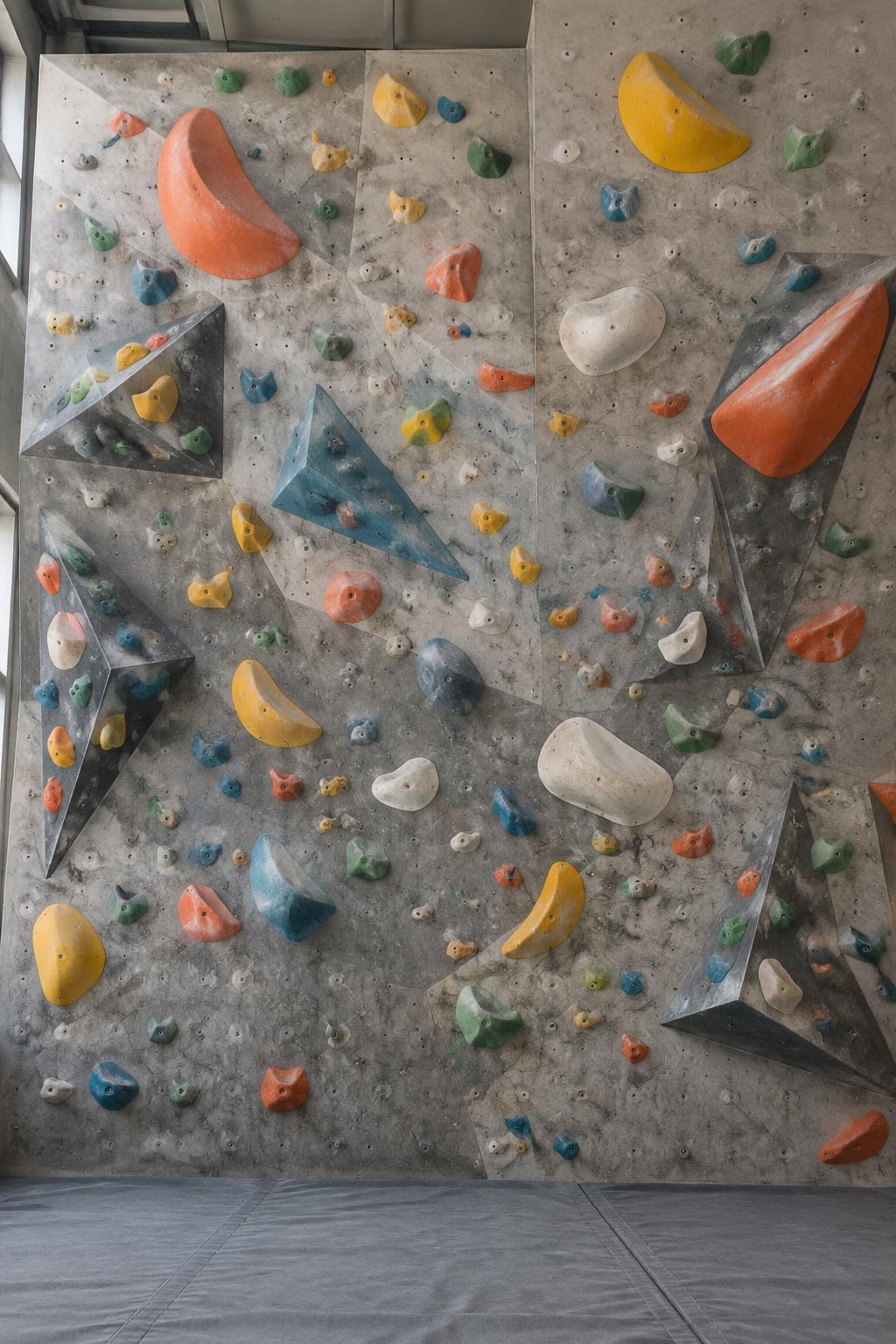
What kind of tripod works in a bouldering gym?
I’d look for something short, robust and compact, with legs that spread wide. You want it to fit in your climbing bag, but you also want it to stay still. A tall stick isn’t automatically useful indoors.
The mats are the awkward part. They’re soft, they move, and a narrow support can wobble. Prefer a firm surface outside the landing zones. If your gym allows equipment on an unused mat edge, check with staff first: that edge must still be outside all possible landing paths. Wide feet don’t make an unsafe position safe.
I wouldn’t choose a €5–€10 plastic tripod just because it’s cheap. That doesn’t mean every cheap one is bad—or every expensive one is good. Check the actual build:
- A wide, low base: stable without needing a long extended pole.
- A secure phone clamp: it holds your phone firmly, including with its case.
- Legs and joints that stay put: no sagging when you tilt the phone upward.
- A size you’ll actually carry: useful equipment comes with you, not just sits at home.
Try it with your phone before buying if you can. Stability matters more than a long list of accessories.
Which phone camera settings should you use?
Start with the rear camera, normal video mode and 1080p at 30 frames per second. That’s a practical starting point, not a rule. If the gym is well lit and you want clearer slow-motion review, try 60 fps; it takes more storage and may look worse in dim light.
- Start at 1×. Move back safely before using an ultra-wide lens, which can distort movement near the edges.
- Use vertical 9:16 for a tall problem. For a long traverse, horizontal may show the movement better. Fit the climb, not just a social-media format.
- Leave a little space around your body. Don’t crop out a foot swing, the starting position or the finish.
- Keep the camera still. No need to follow every move or zoom while someone climbs.
Start recording before you pull on. Stop once the attempt and safe descent are over. Short clips are easier to review than ten minutes of standing around.
What about close-ups and Meta glasses?
A close-up of a foot or a hand can be useful, but don’t walk under someone to get it. Ask a friend to film from a safe position, or crop into an existing wide shot afterwards—if the footage has enough detail.
Camera glasses, such as Meta’s, can be fun for a first-person view of holds and sequences. But they don’t show your whole body or hip position, so they’re a complement, not a replacement for a fixed phone. Check the gym’s rules about filming and wearing them while climbing. Be open about recording, ask anyone you deliberately film, and avoid sharing identifiable bystanders without permission.
How do you use the video to climb better?
Watch the attempt once at normal speed. Then slow down the move you’re trying to understand. You don’t need to analyse every second.
- Feet: did you place them deliberately, or adjust them halfway through?
- Hips: did you shift your weight before reaching?
- Timing: did your legs push when your hand moved, or afterwards?
- Balance: what changed just before the fall?
Pick one thing to try next. “Push through the left foot before reaching” is more useful than “be stronger.” Film again from the same angle and compare. Did the change help?
A video is a clue, not a complete diagnosis. It can’t tell you exactly how a hold felt. If you’re stuck, a coach or a climbing friend may see something you missed.
A simple filming checklist
- Check the gym’s rules and find a position outside landing areas and walkways.
- Set up one stable angle with your feet, body and finish visible.
- Record one attempt, including the start.
- Watch the move that matters and choose one change.
- Try again. Keep the clip if it’s useful.
That’s it. The goal is to climb, not spend your session managing a camera.
Common questions
Do I need a tripod to film bouldering?
No. A friend can film from a safe position. A compact tripod is useful when you’re alone, but only if the gym allows it and you can keep it outside landing areas and walkways.
Is one camera angle enough?
Usually, yes. One fixed view showing your entire body is enough to compare attempts. Add a second angle only when the first hides the movement you want to understand.
Should I film only successful climbs?
No. Failed attempts can show where balance, foot placement or timing broke down. Record the attempts you want to learn from, not just the ones you want to share.